

Google Reverse Image Search
Run a focused premium search for full and partial visual matches.
Choose a tool by the evidence you need: indexed appearances, visual similarity, source history, file metadata, face-photo matches, or a comparison between two files. Use the visual research methodology to classify the output, or continue into the step-by-step guide library.

Use the narrowest tool that matches the task, then verify the output with source context and independent evidence.
Run a focused premium search for full and partial visual matches.
Analyze an image privately, review file clues, and run a focused reverse image search with Google Lens, Bing Visual Search, or TinEye.
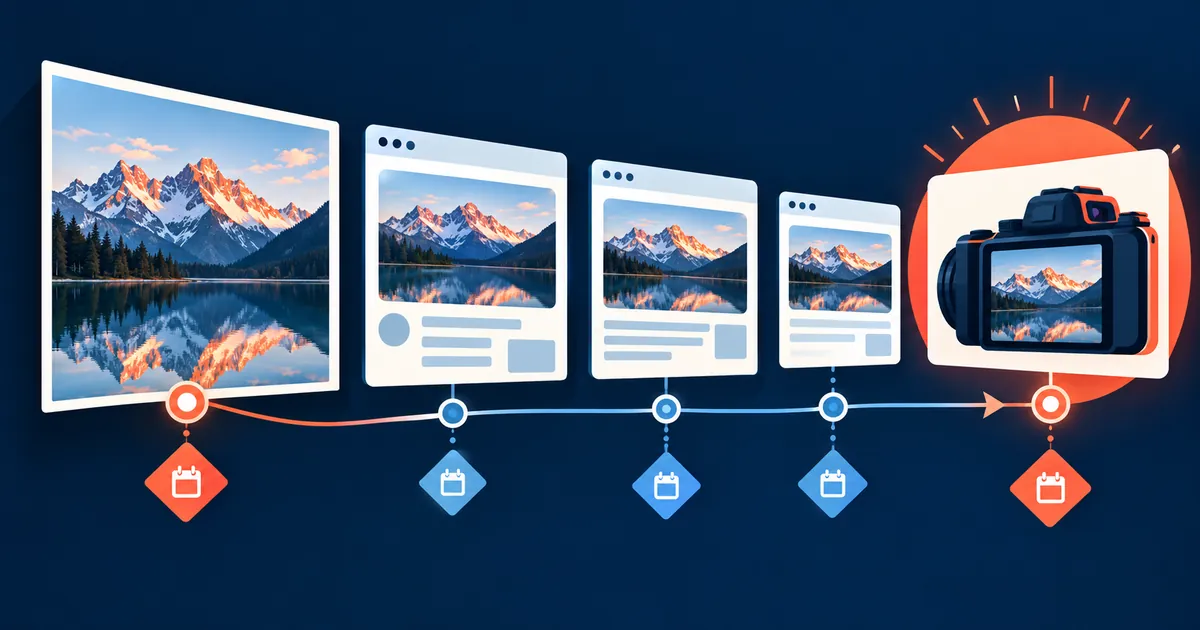
Find an image source by testing crop variants, metadata clues, publication dates, credit lines, and results from complementary search engines.
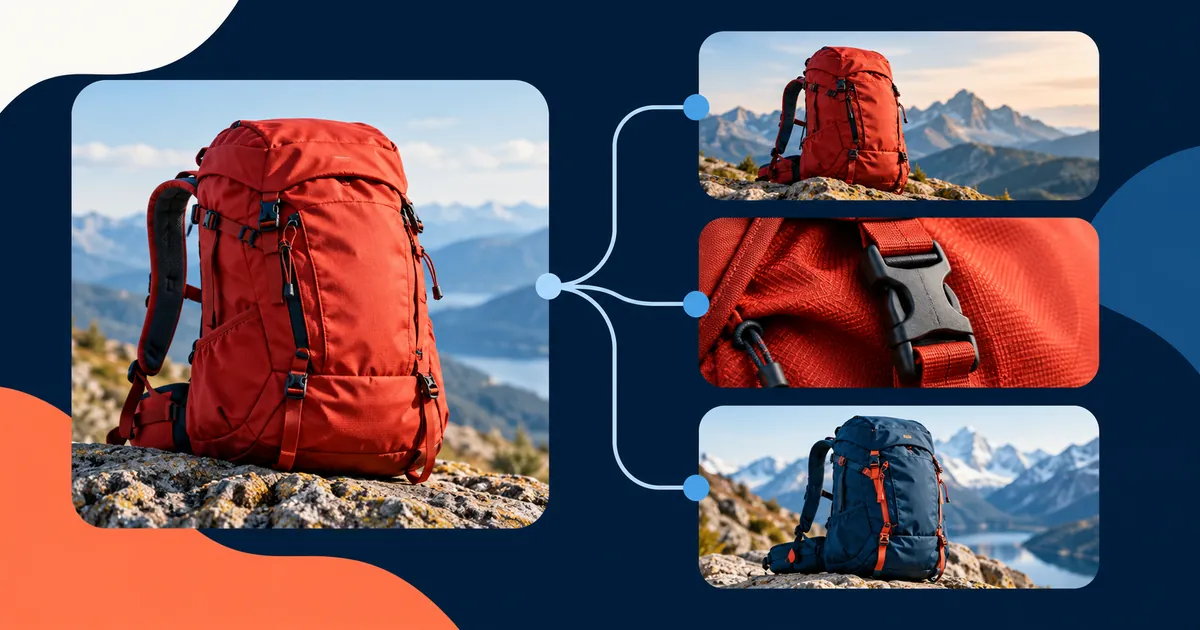
Find visually similar images by preparing useful crops, defining the match you need, and choosing between exact-copy and object-search engines.

Compare two images with a transparent perceptual-hash calculation and see whether they may be resized or recompressed copies.
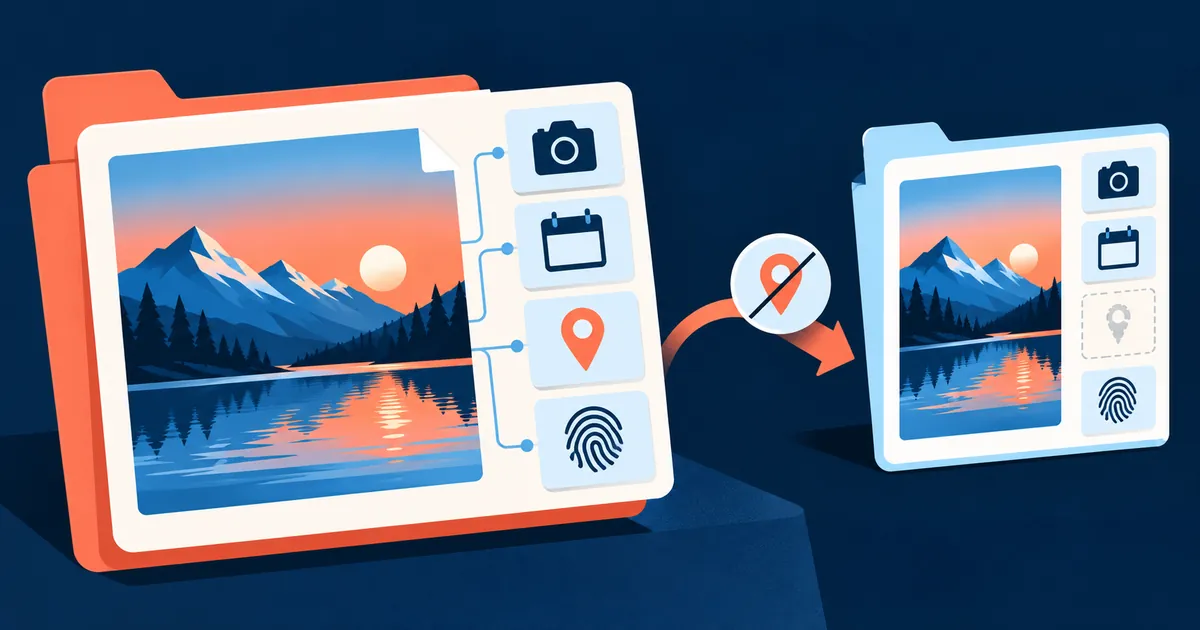
Check image metadata, camera details, capture dates, GPS presence, and a SHA-256 fingerprint without storing the upload.

Detect visible faces and search for the same photograph and near-duplicate appearances.
A useful result begins with a precise question. Similarity, provenance, metadata, and identity are not interchangeable.
| Question | Start here | Useful output | Important limit |
|---|---|---|---|
| Where does this image appear? | Reverse Image Search | Indexed pages containing likely copies or related appearances | No result does not prove the image is absent from the web |
| Who published the earliest credible source? | Image Source Finder | A documented publication trail for manual review | The earliest result found may not be the first publication anywhere |
| Are these files visually close? | Image Comparison Tool | A transparent perceptual-hash distance | A similarity score does not prove authorship or identity |
| What technical clues remain in the file? | Image Metadata Checker | Metadata fields, dimensions, and a cryptographic fingerprint | Metadata can be removed or edited |
| Where might this face photograph appear? | Face Recognition Search | Same-photo and near-duplicate candidates for review | The current matcher does not establish identity across unrelated photos |
| How can I trace a video? | Reverse Video Search | A manual frame-selection and reverse-search workflow | A frame match must be checked against the complete source record |
Tool output is a lead. Follow the relevant learning path to understand false positives, missing evidence, source quality, and responsible next steps.
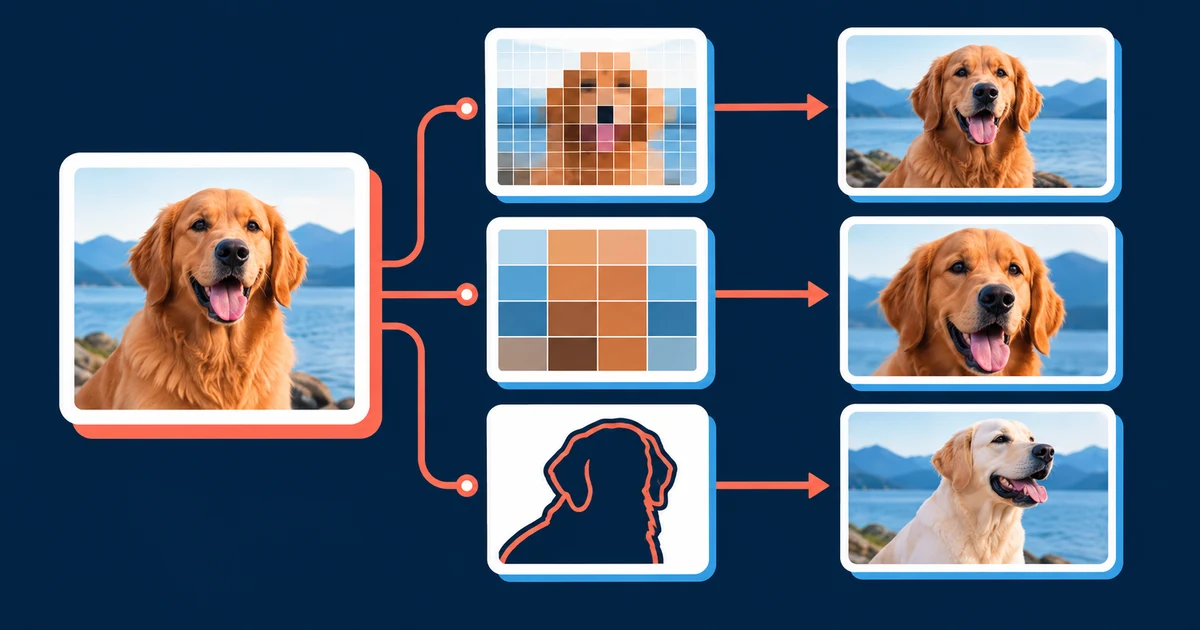
Start here when you need to choose a search method, improve a weak query, or understand why two engines return different evidence.

Face search can find possible appearances across an indexed collection. The difficult part is evaluating whether a candidate is actually the same person.
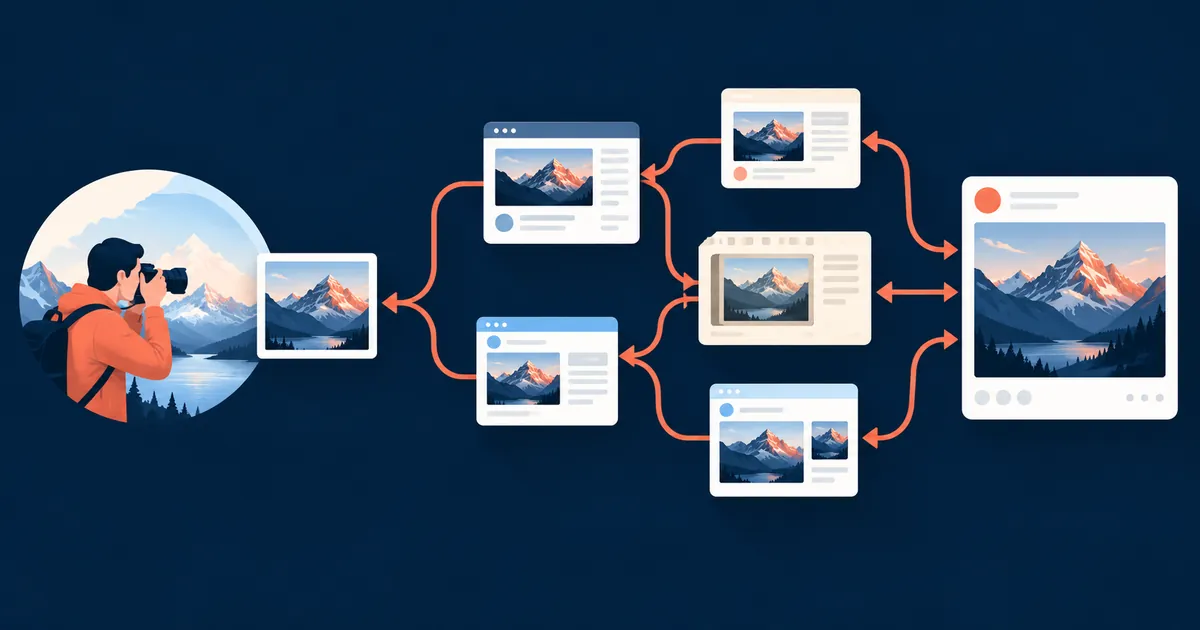
Source tracing is an evidence problem. A useful conclusion combines visual matches with publication records, credits, file quality, and independent context.
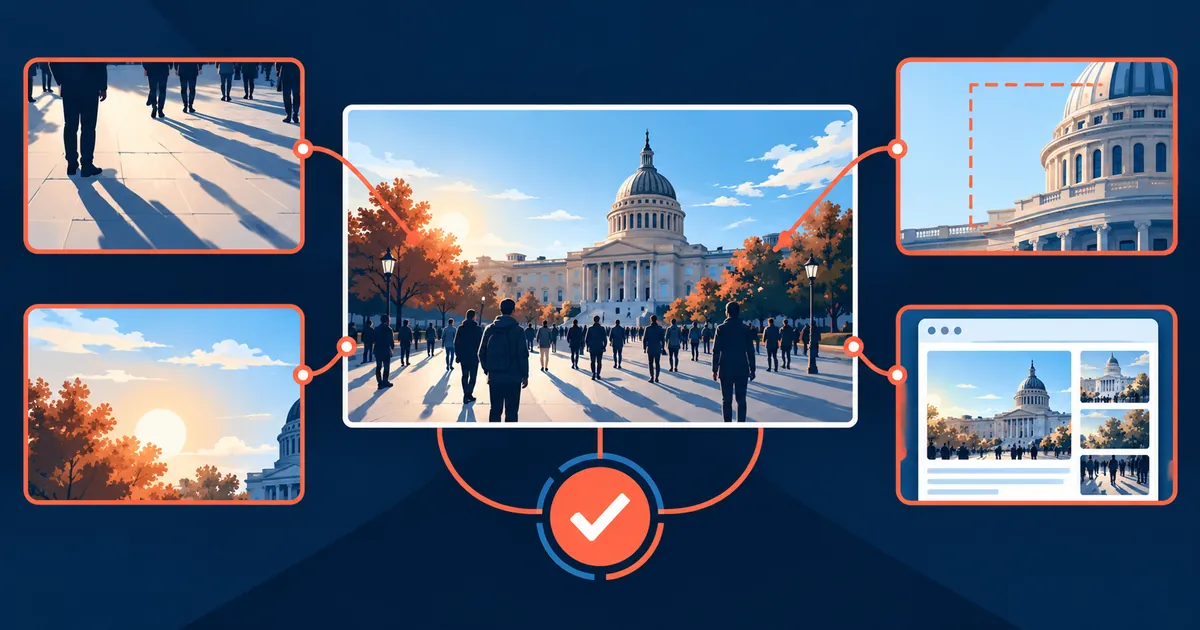
An authentic photograph can still be paired with a false caption. Verification tests each part of the claim separately.
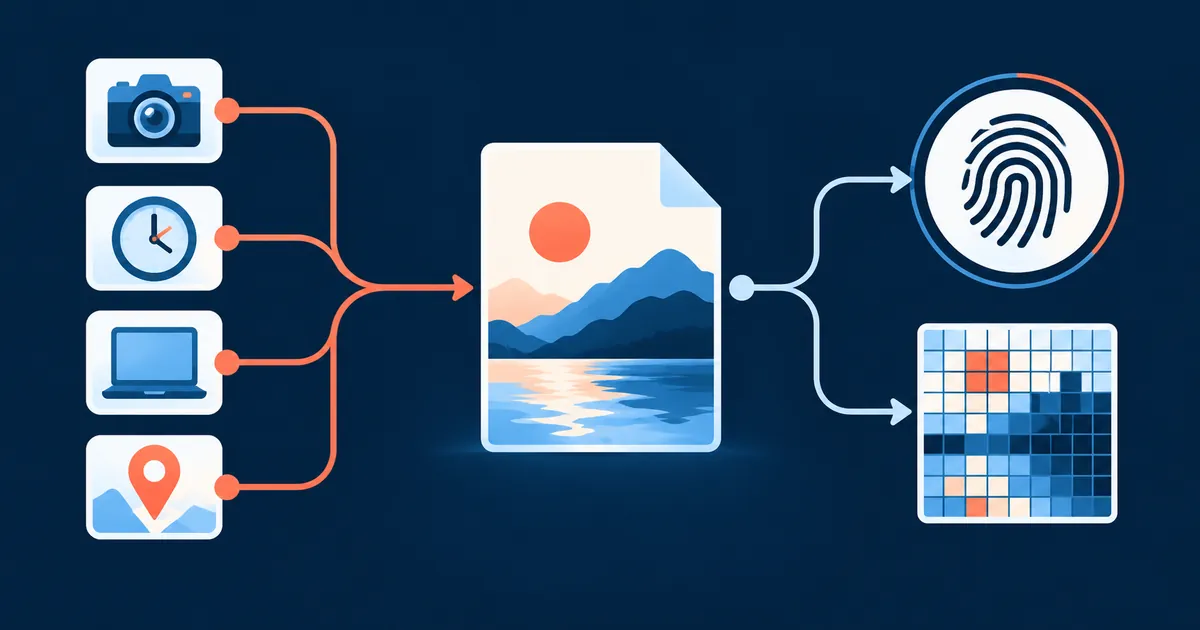
Technical clues are strongest when their purpose and failure modes are explicit. Metadata can be edited; hashes answer different questions; provenance records need validation.

The safest workflow preserves evidence, verifies the source, uses the correct reporting channel, and avoids confronting an uncertain match publicly.
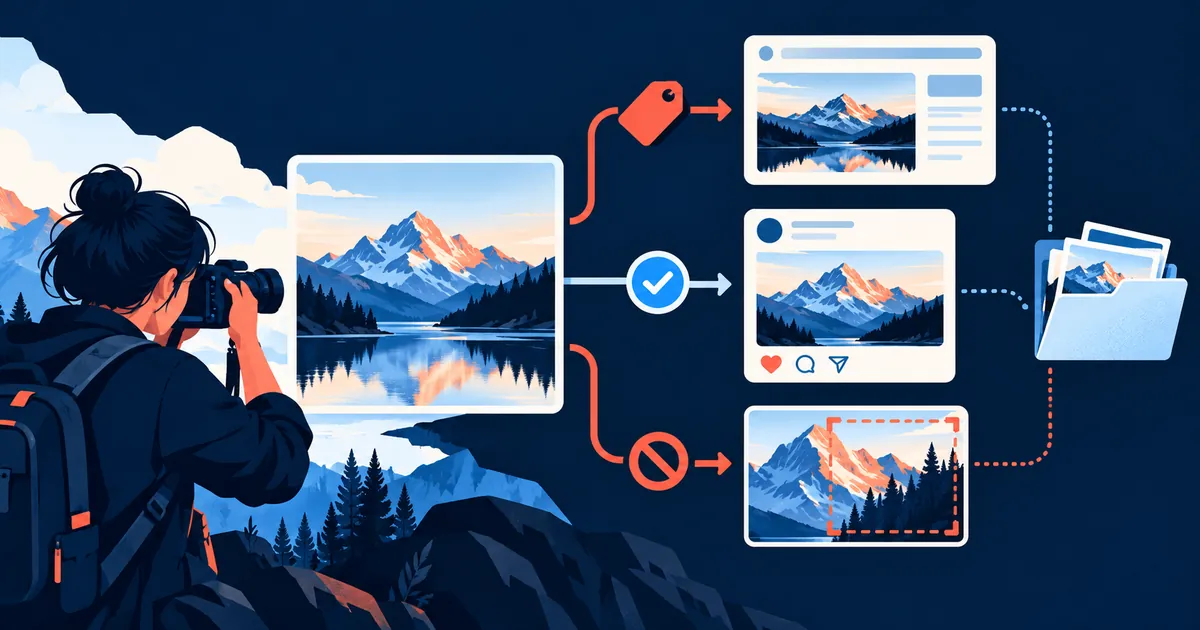
Finding a copy is the beginning of a rights investigation. Ownership, licensing, exceptions, and the identity of the publisher still need to be checked.
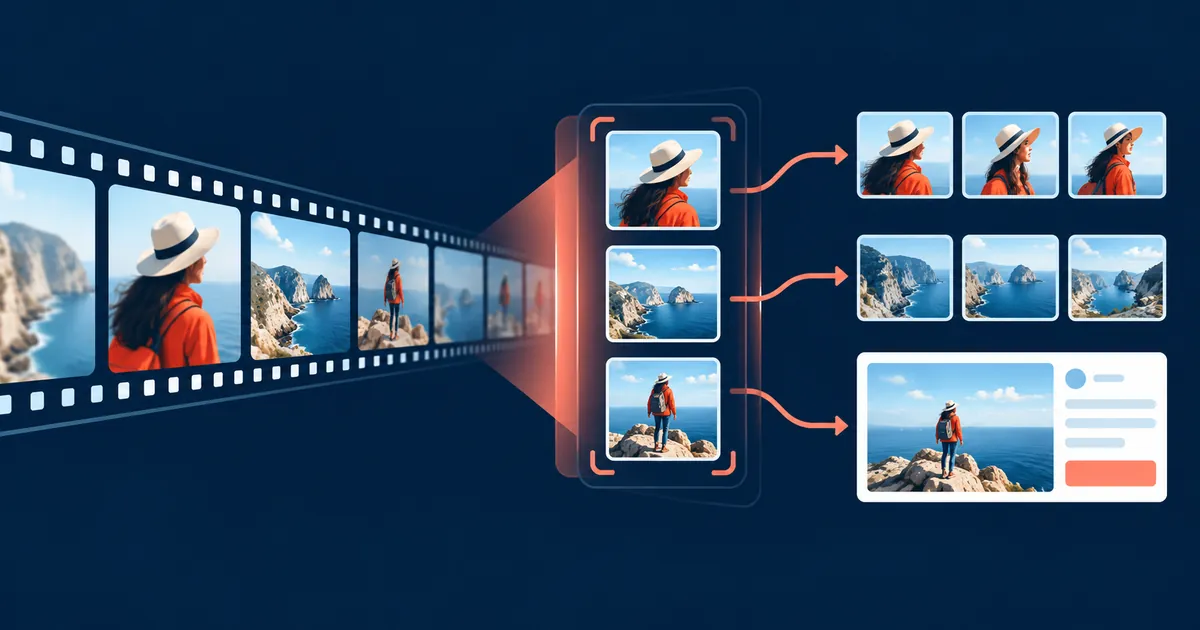
Video search works best as a frame-selection problem. The most useful frame is not always the sharpest or most dramatic one.