
Source
Who first published or supplied the material, and what evidence supports that record?
Verify a photo or screenshot by testing its source, date, place, caption, and technical history against independent evidence and context.
5 focused guides in this learning path
Browse all topics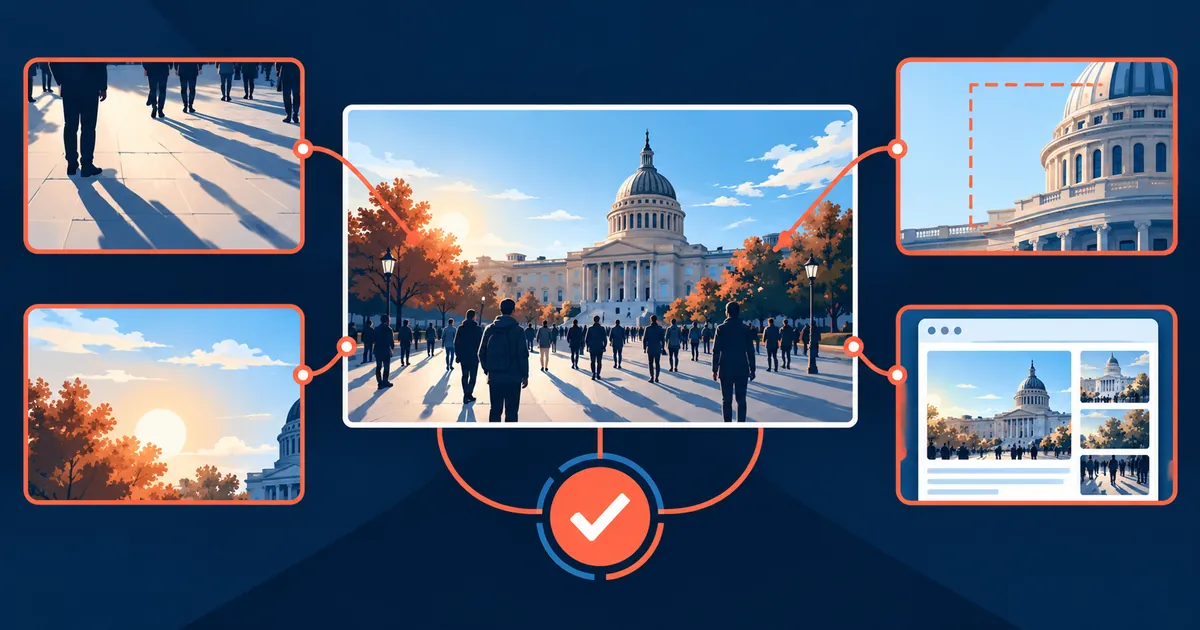
An authentic photograph can still be paired with a false caption. Verification tests each part of the claim separately.
Who first published or supplied the material, and what evidence supports that record?
Does the image predate the claimed event, or do weather, light, and known timelines conflict?
Do landmarks, road features, language, terrain, and shadows fit the claimed location?
Does the source page support the caption, or has the visual been reused in a new context?
Write down exactly what the image is said to show: person, event, place, date, and claimed action. A broad question such as “Is this real?” is difficult to answer because the file may be genuine while the date, location, or caption is false.
Prefer findings such as “the claimed date is contradicted by a documented use two years earlier” or “the location remains unresolved.” When the publication chain matters, continue with the image source and provenance method instead of declaring the whole image fake from one contradicted caption element.
Compare two files before deciding whether they may be resized, recompressed, or edited copies.
Verify a photo or screenshot by testing its source, date, place, caption, and technical history against independent evidence and context.
Verify who published a photo, when it appeared, what it depicts, and whether the caption fits the visual evidence.
Estimated reading time: 10 minutes.
A layer-by-layer screenshot verification workflow for social posts, messages, headlines, and image composites.
Estimated reading time: 9 minutes.
An authenticity evidence stack for AI-generated and edited images that separates positive provenance from weak visual suspicion.
Estimated reading time: 11 minutes.
A six-clock timeline that prevents metadata dates and search-engine first-seen dates from being mistaken for the moment of capture.
Estimated reading time: 10 minutes.
An evidence guide for turning image matches into careful findings without treating a search result as proof of identity or ownership.
Estimated reading time: 9 minutes.